TABLE OF CONTENTS
- Access the Workflow library
- Clone a workflow
- Workflow states
- Workflow versioning
- Pre-built workflows
- Benefits of pre-built workflows
- Add a pre-built workflow from the library
- List of available pre-built workflows
The Workflow library is a centralized repository of all workflows in your account. Use it to discover, clone, and reuse workflows across agents without having to rebuild from scratch. Learn more about AI Agent library.
Access the Workflow library
- In AI Agent Studio, select Library from the left navigation.
- Select the Workflows tab to view all workflows in your account, regardless of which agent they belong to.
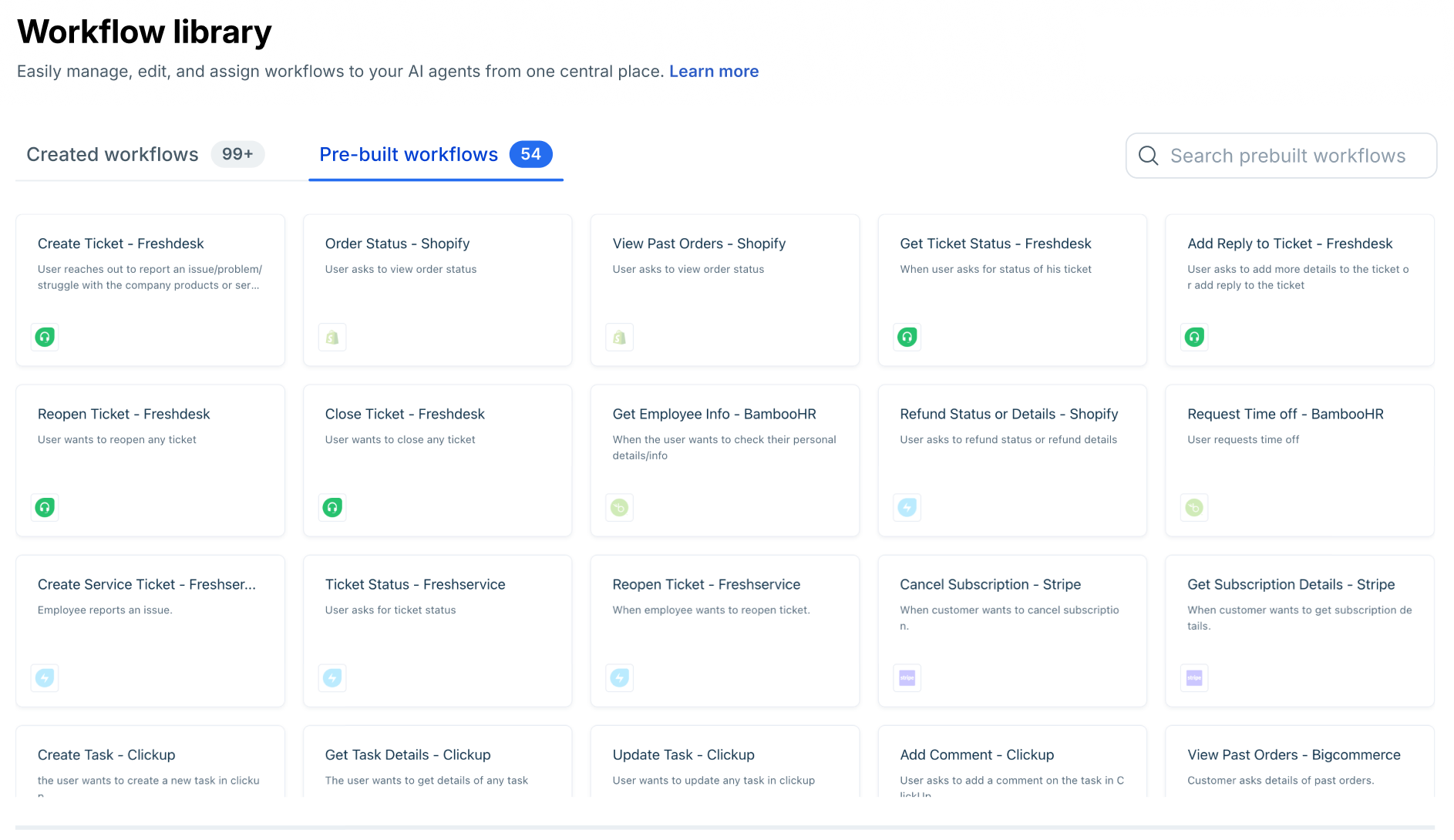
Clone a workflow
- Locate the workflow you want to reuse.
- Select Clone. A copy is created as a draft and added to your current agent.
- Edit the clone as needed — update trigger phrases, API mappings, or response text.
- Publish the clone when it is ready.
Note: Cloning creates an independent copy. Changes to the clone do not affect the original, and vice versa. Modifying a shared API action used by both, however, affects all workflows that reference it.
Workflow states
State | Description |
Active | A published version exists and is live for customers. |
Draft | Created or edited but not yet published. Not visible to customers. |
Active and draft | An older published version is live while a newer draft is being prepared. Customers see the active version until you publish the draft. |
Workflow versioning
Workflow versioning lets you update an existing workflow without disrupting the live version. The active workflow keeps running while you prepare and test changes in a draft.
Edit an active workflow
- On the Workflows list page, find the workflow you want to edit under the Created Workflows tab and select it.
- Select Edit workflow in the top right.
- In the confirmation dialog — which shows which AI agents are using this workflow — select Yes to proceed.
- A draft copy of the active workflow is created. Make your changes in the draft. The active version continues serving customers unchanged.
- Select Preview workflow to test your changes in the preview panel.
- Select Make it active, then confirm.
Publishing behavior
- The draft version replaces the current active version in both the Workflow library and all AI agents that use it.
- The previous active version is removed permanently.
- All AI agents using this workflow switch to the new active version immediately.
- If an unpublished draft exists alongside an active version, both states are shown in the Workflows list view.
Pre-built workflows
Pre-built Workflows are ready-to-use automation templates for common business scenarios. They come with preconfigured steps that you can deploy instantly or customize to fit your setup. Use it to discover, clone, and reuse workflows across agents without rebuilding them from scratch.
For example, the Order Status Workflow can:
- Collect the customer’s order ID
- Fetch order details from your order management system
- Display the current status or delivery date
- Hand off the conversation to an agent if manual review is needed
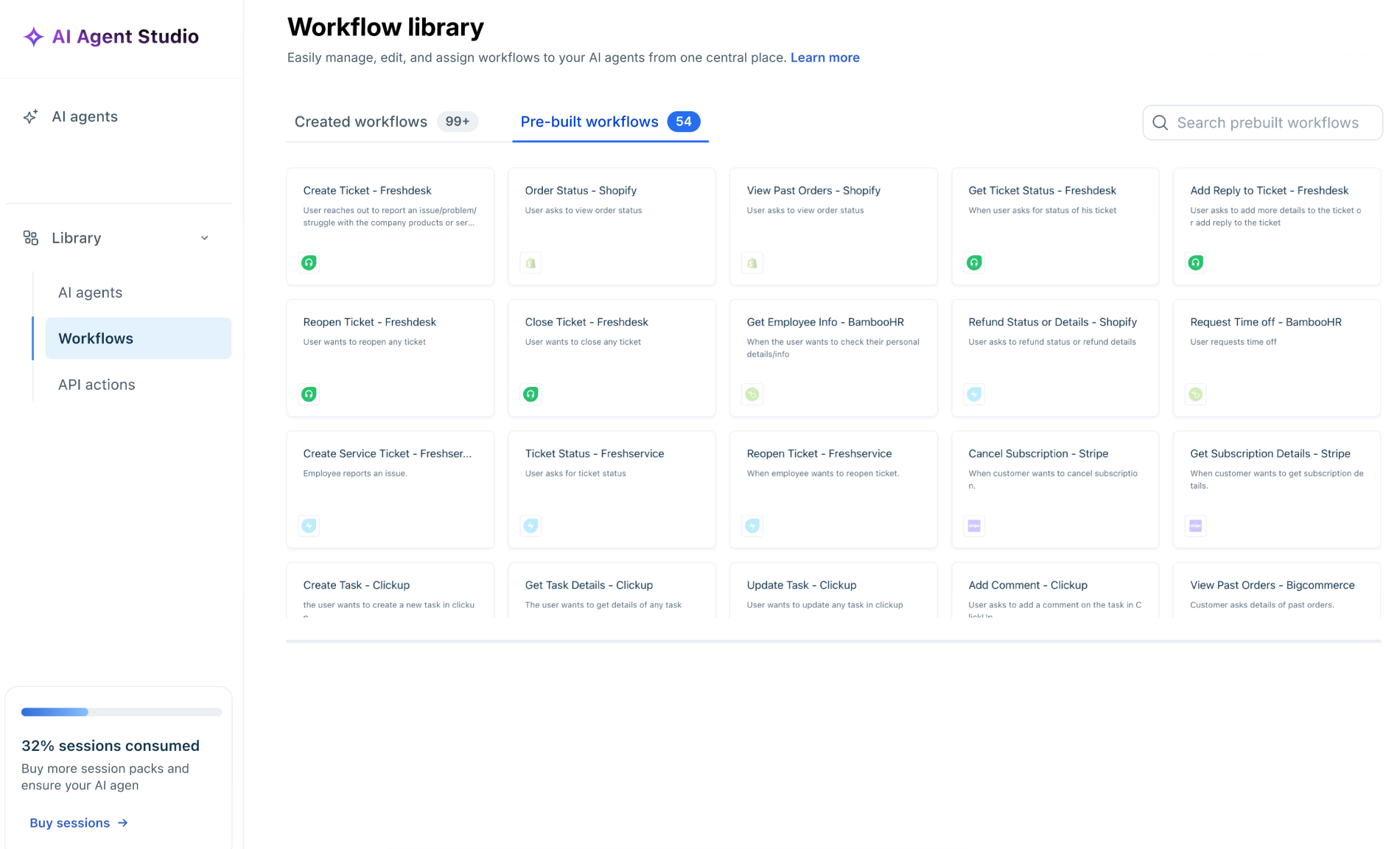
This enables your AI Agent to handle routine queries efficiently, allowing your human agents to focus on more complex issues. You can find the list of Pre-built workflows by going to AI Agent Studio > Library > Workflows > Pre-built Workflows.
Benefits of pre-built workflows
- Faster setup: No need to start from scratch.
- Customizable: Modify the logic or messages to fit your business.
- Consistent: Delivers uniform responses every time.
- Scalable: Combine multiple workflows as your automation grows.
Add a pre-built workflow from the library
- Go AI Agent Studio > Library > Workflows.
- Locate the workflow you want to reuse.
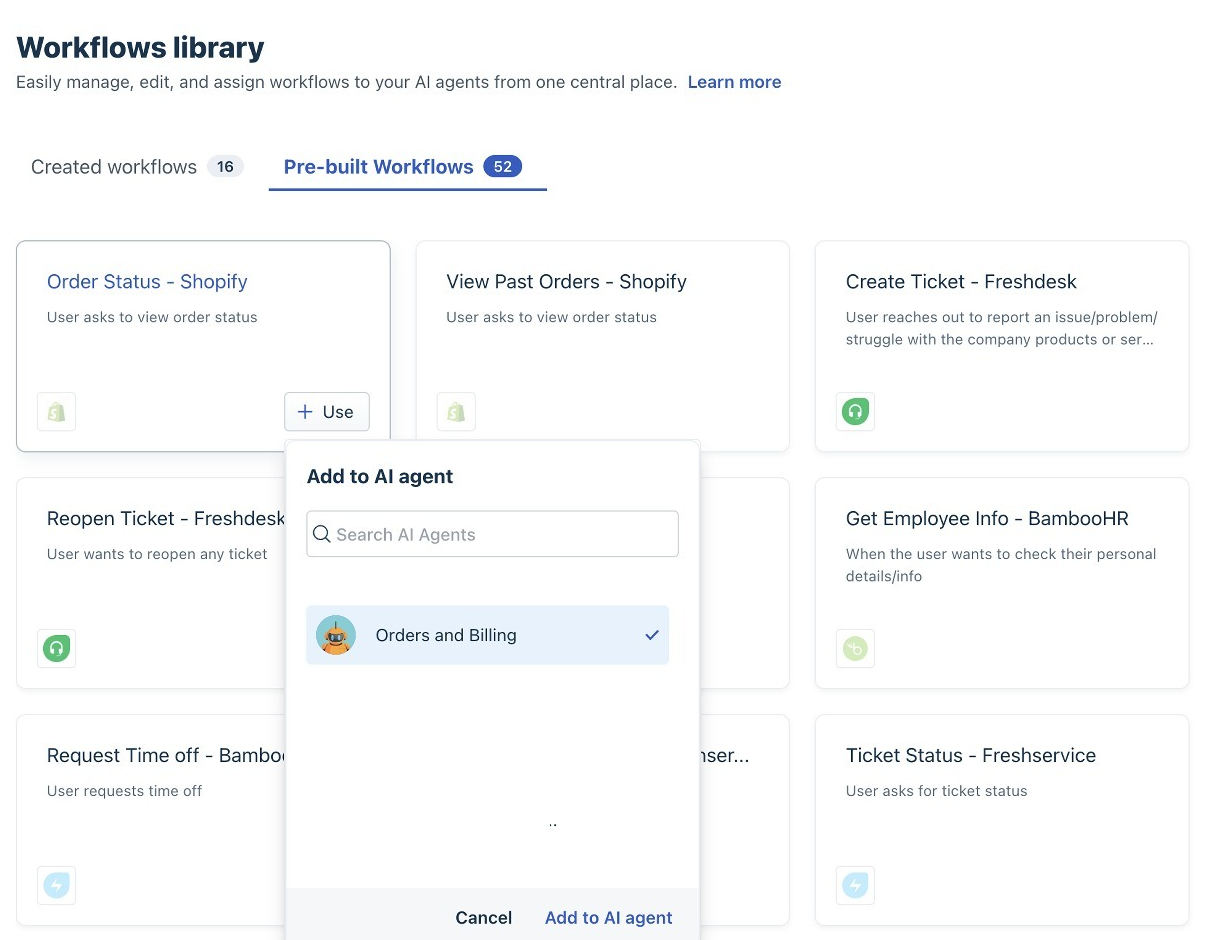
- Hover on a Workflow and click +Use to add the Workflow to an Agent and make changes as needed for deploying the AI Agent.
List of available pre-built workflows
The following is the list of apps available as integrations to these workflows:
| Category | Integrations |
|---|---|
| Payments & Billing | Adyen, PayPal, PayU GPO, Razorpay, Stripe, Square |
| E-commerce & Order Management | BigCommerce, Magento, Shopify, Wix, WooCommerce |
| Shipping & Logistics | DHL, Easyship, FedEx, Shippo, Shiprocket, ShipStation |
| CRM & Customer Management | Freshsales, HubSpot, Pipedrive, Salesforce, Salesforce Service Cloud, SugarCRM, Zendesk, Zoho CRM |
| Support & ITSM | Freshdesk, Freshservice, Jira Service Desk, ServiceNow |
| Project & Work Management | Asana, ClickUp, Jira, Linear, Monday.com, Trello |
| HR & Employee Systems | BambooHR, Workday |
| Authentication & Identity | Microsoft Entra ID, Okta, PingOne |
| Communication & Messaging | Bird, Twilio |
| Marketing & Engagement | Klaviyo, Mailchimp, SurveyMonkey |
| Scheduling & Productivity | Calendly, Google Calendar |
| Finance & Expense Management | Expensify, Plaid |
| Travel & Booking | Amadeus |